Release 0.5.7

You can now share your running data and all the graphs with your coach 🚀💥
We’ve added a new feature that allows you to go to Settings and give your coach or running buddy access to view your Dashboard and Activities. Now you can send a quick weekly training summary to your coach without extra effort 🤩
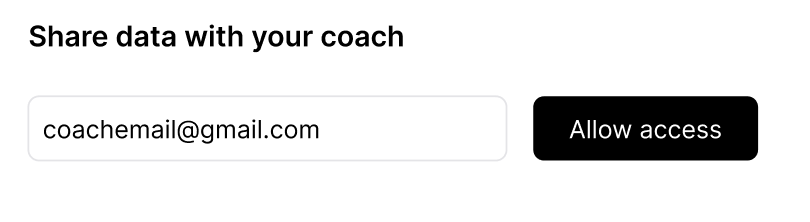
🚨 The person you’d like to give access to your data, should first sign in to KULG App
The person you’ve given access to your data will not see your Settings and will not be able to make any edits to your data 🕵️
At the moment, the person you’ve given access to also cannot see your activity notes 📝
Since we currently only have Google authentication, then the person you invite should also have a Gmail account 💌 This will change as we add authentication methods.
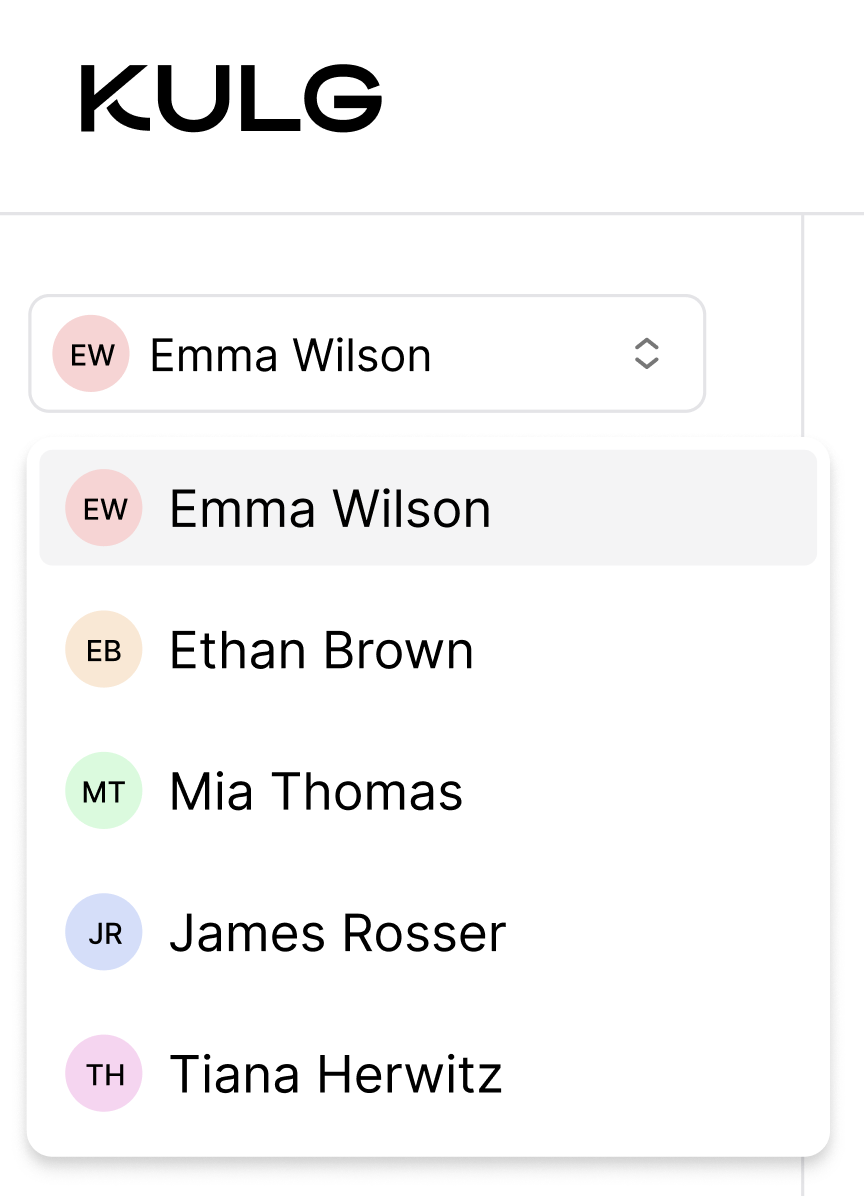
In order to see your data, the person you’ve given access to has to sign in to KULG App and select your account from the drop-down 🔐 NB! If the person was in KULG App as the access was given, it may be necessary to log out and log in again for the runner’s account to appear to drop-down.
Your coach or running buddy can also start using KULG for tracking their own running progress by adding activities or importing their training history 📈
There is no current restriction on the number of people you can grant access to view your data 👯♂️👯♂️