Release 0.14.0
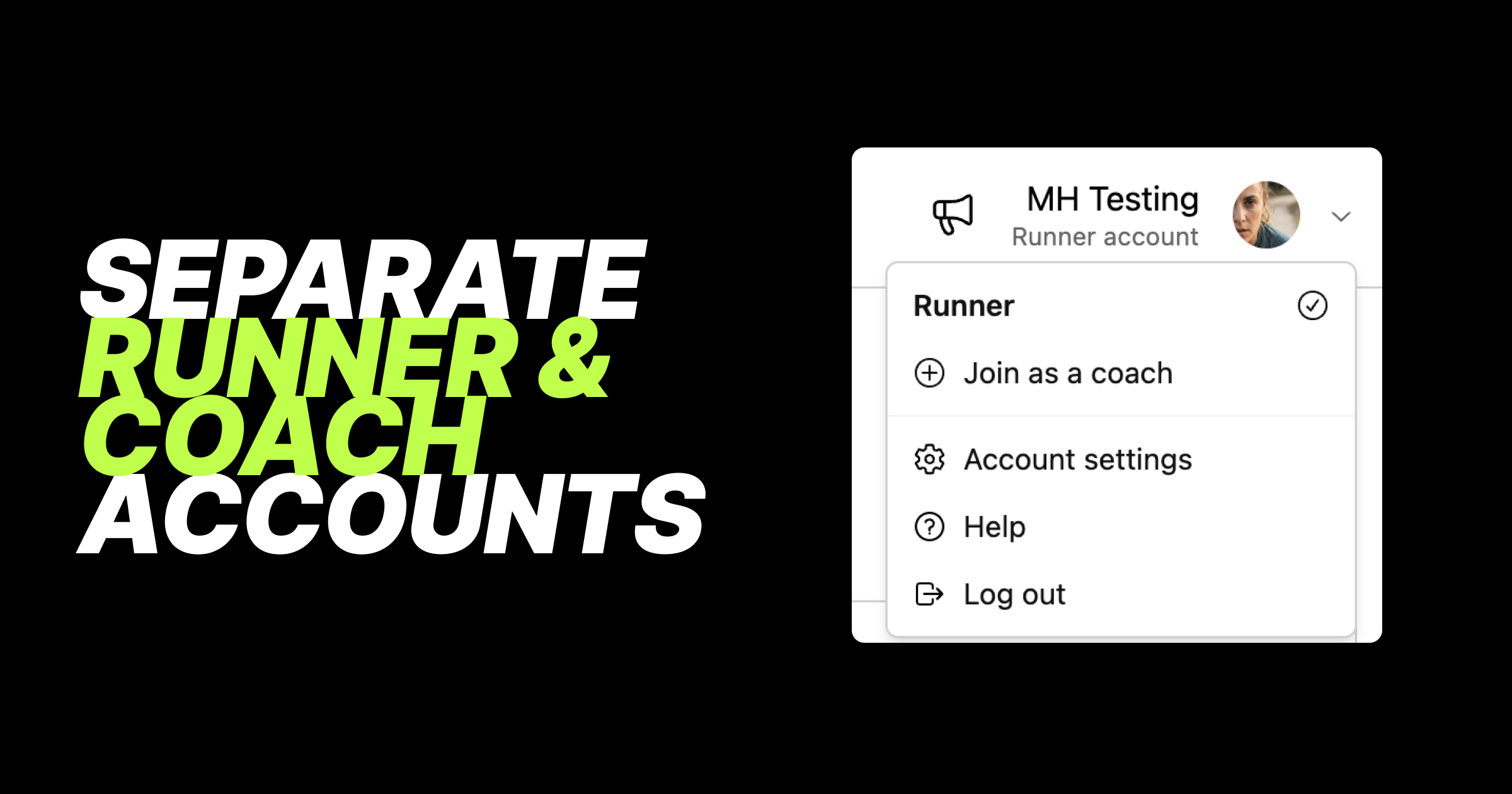
🎉 Separate runner and coach accounts
This is one of our biggest releases yet, even if most of it happens behind the scenes. We've rebuilt how accounts work in KULG so that runner and coach accounts are now fully separate. This gives us a solid foundation to develop KULG faster, and for our users it means a cleaner experience: each account shows only what's relevant to it, and you can switch between them in one tap.
Here's what's new with accounts:
Switch accounts, find help and log out from your avatar - tap your avatar to switch between your runner and coach accounts. Help and Log out have moved here as well.
Runner and coach accounts are completely separated - your runner account shows only runner features, and your coach account shows only coach features.
Coaches who are active can track their own running - create a runner account from your coach account (Join as a runner under avatar) and follow your own activities as a runner.
Runners who are also coaches can create a coach account - create a coach account from your runner account (Join as a coach under avatar) and start coaching other runners.
Existing accounts have been split automatically - if you're a coach who also tracked your own activities, you now have two accounts: coach and runner. There's nothing you need to do. If you're on a paid coach plan, it stays on your coach account, and your runner account starts on the free plan. You can upgrade your Runner account separately.
Your first account opens by default - when you log in, KULG opens the account you created first. Soon you'll be able to choose your default account yourself.
Billing has been rebuilt to match:
A plan for each account - subscribe to a paid plan on your runner account, your coach account, or both. Your coach account shows coach plans, and your runner account shows runner plans.
Free trial on your first account - the 14-day KULG trial applies to the first account you create.
Quicker upgrades - upgrade buttons now take you straight to the plan page, one step faster.
Switch to free instead of cancelling - to stop paying for a plan, choose the free plan for that account.
Annual Runner or Coach plan can now also be combined with an extra monthly service, like a training plan.
Everything in Billing overview - tap Billing overview button on the Billing page to see all your plans and added extra services, like training plans, club memberships and coach bundles, in one place. You can also manage your payment methods there, and use a different payment method for your runner and coach subscriptions. Billing is available on KULG web version (desktop or mobile), not in the mobile apps.
If you both coach and run, this update is for you: one login, two dedicated accounts, each with its own plan, so your own training stays separate from your athletes. Next up, you'll be able to add and remove extra services yourself, right from the Billing page.